Monigear BACnet User Guide
For Monigear Network Devices | BACnet Configuration & Building Automation
Instructions for using Bacnet network device

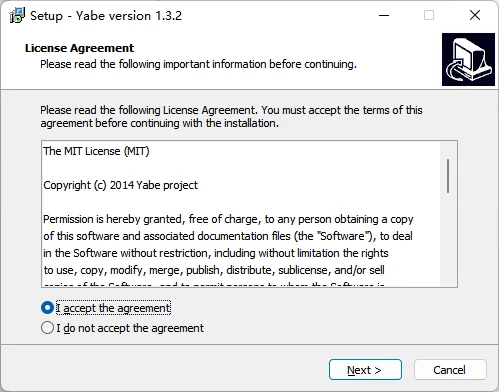
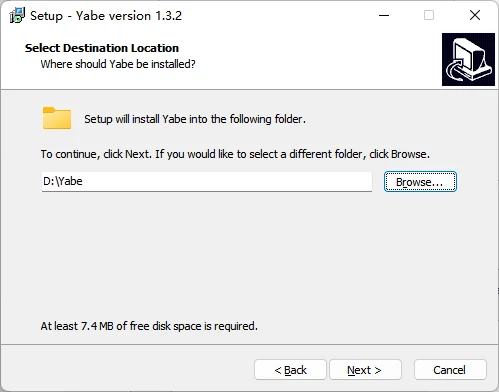
1.Run the ‘Yabe’ installation program and install the tools step by step.
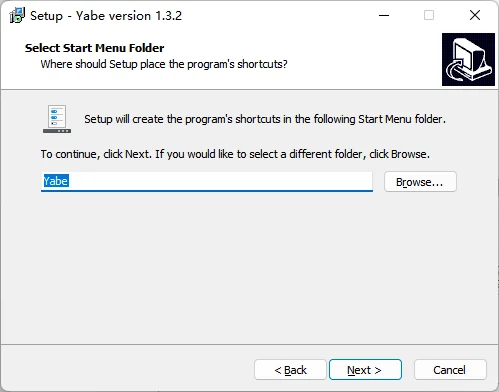
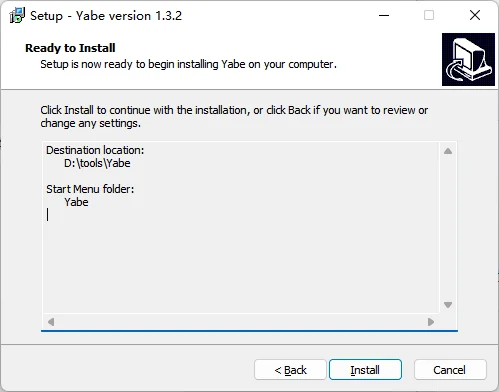
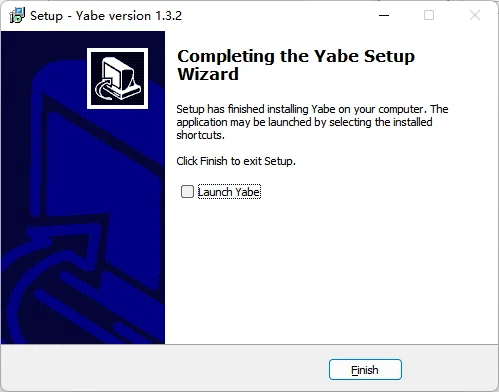
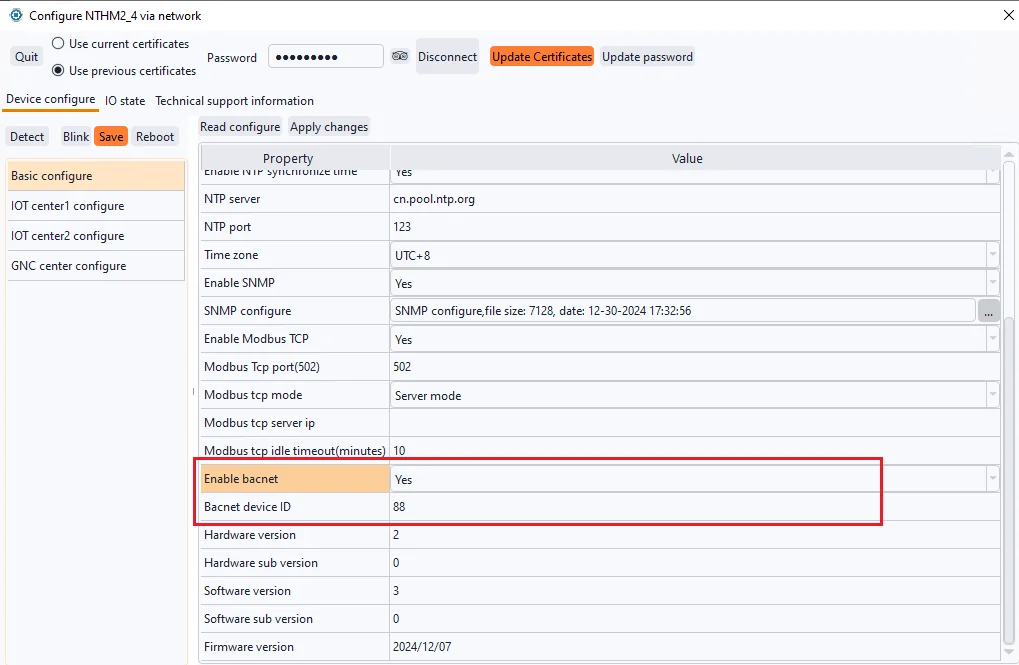
2.In the 'Basic configuration' section of the device, find the 'Enable bacnet' option, select 'yes', and customize a Bacnet device ID. Then click' Apply changes' in sequence‘ Save 'and' reboot 'to make the Bacnet configuration of the device effective.
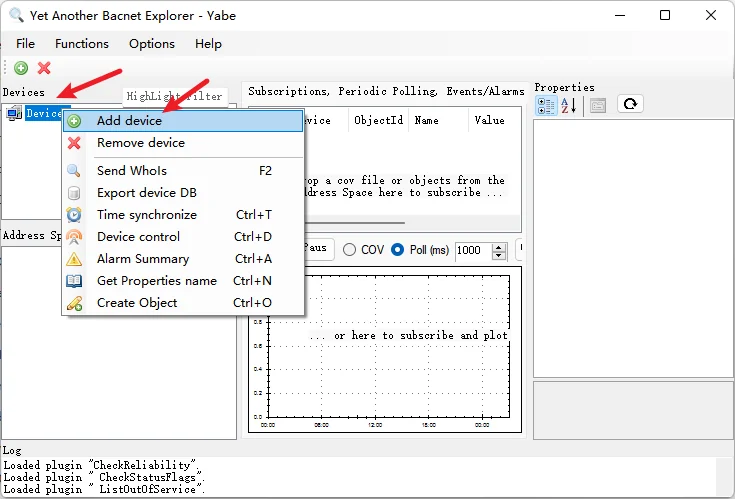
3.Run 'Yabe', select the device, and click 'Add device'.
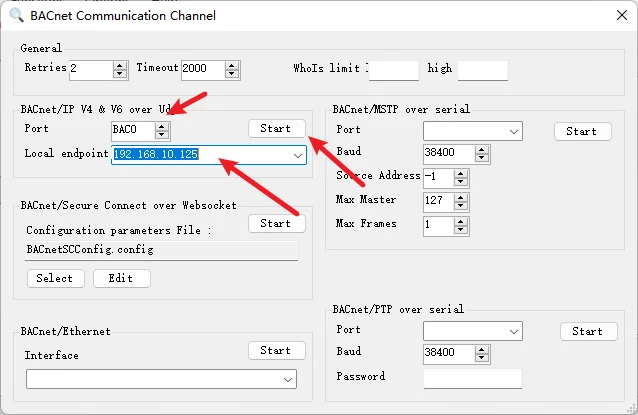
Enter the port number, select or enter the local IP address of the host, and click start.
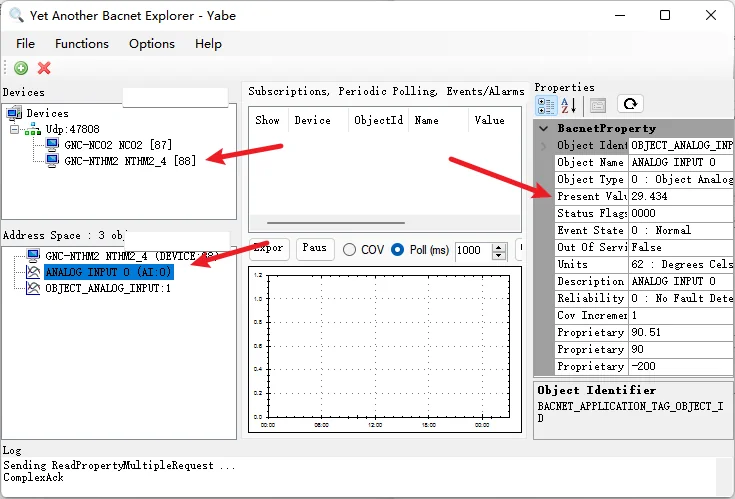
After successful connection, a device with Bacnet enabled function appears in the local area network. Select one of the devices and choose a data point to see the current value and other information of that data point.